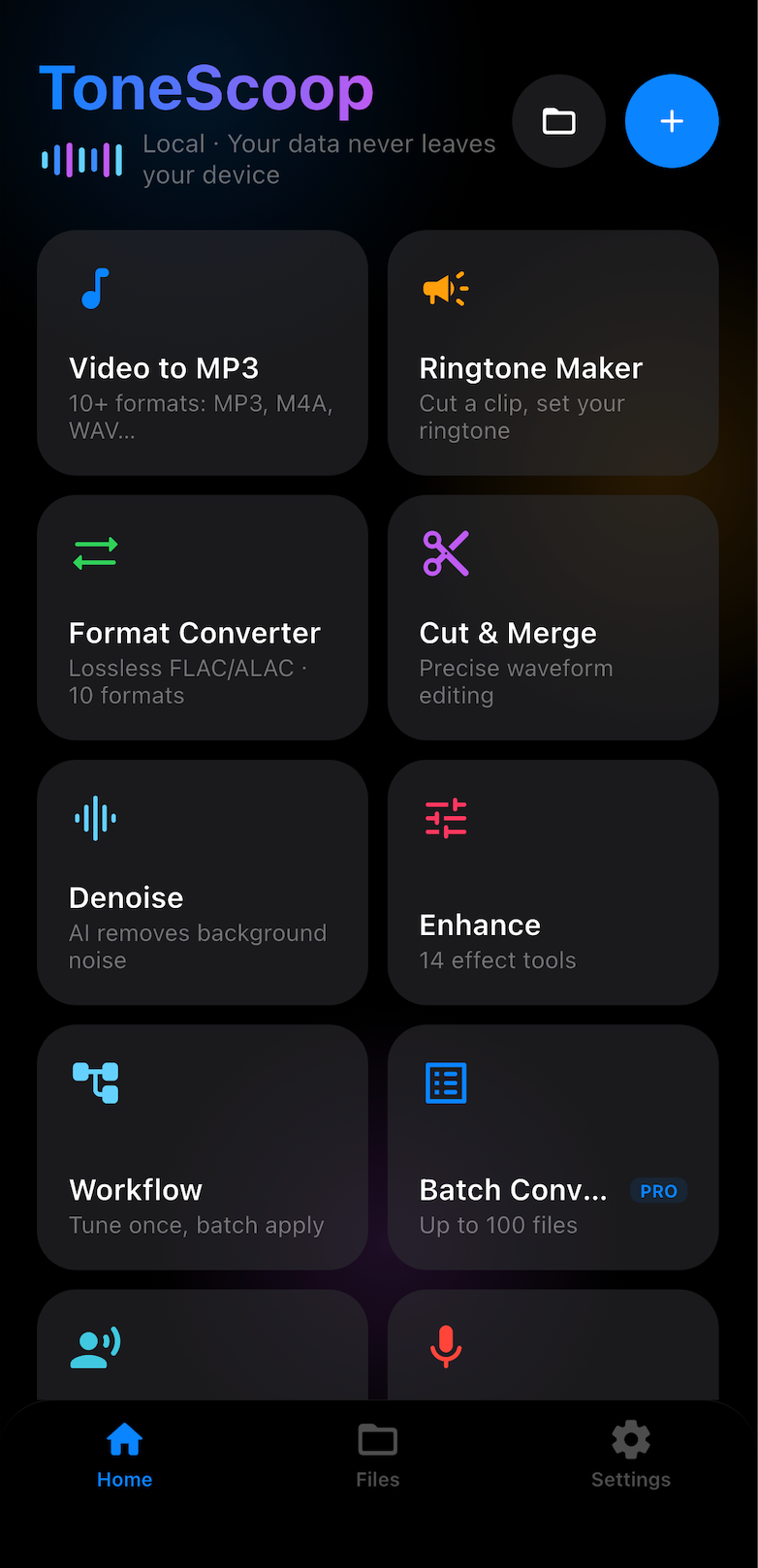
Video to MP3, AI vocal remover, ringtone maker and a full audio toolkit — all processed locally on your device. Your audio never leaves your phone.
No tutorials needed — every job is Import, Process, Export.
Pull in audio or video from your library, the share sheet, or a file — MP3, M4A, FLAC, OGG, Opus and more.
Separate vocals, remove noise, cut, merge, equalize or enhance — on-device AI and FFmpeg, no upload.
Save as MP3, M4R ringtone, FLAC or WAV — set it as your ringtone or share it anywhere in one tap.
Convert, separate, trim, enhance and organize your audio — no desktop computer required.
Extract audio from video and save it as MP3.
Remove vocals, keep the instrumental for karaoke, or extract the acapella.
Pick a waveform section, add fade in/out, export M4R — set it as your ringtone.
Trim and merge audio with precision waveform selection — perfect for mixtapes and podcasts.
Ten bands from 31 Hz to 16 kHz with one-tap presets to shape your sound.
One-tap audio denoiser, auto gain and bass booster — a 9-effect enhancement chain.
Queue multiple files and convert them all to MP3 in one go.
Convert between MP3, AAC, WAV, FLAC, OGG and Opus.
Save an effect chain as a reusable workflow — tune once, batch apply.
8 voice presets to transform your recordings.
Record a voice memo — saved locally, then trim or enhance it.
Send files straight from your computer's browser — no cable needed.
Pick a file, arrange the chain, and TS Video to MP3 runs every effect on-device — denoise, EQ, bass boost, vocal boost and more, in one pass.
Same engine, same library, same results — pick your platform.
Native desktop experience for macOS 14+ — drag and drop, batch workflows, full-resolution waveforms.
Coming soonTake the full audio toolkit with you — ringtones, vocal remover and converters wherever you are.
App StoreOptimized for the Play ecosystem — convert, separate and set ringtones directly from the app.
Google PlayTS Video to MP3 processes every file locally with on-device AI and FFmpeg. There are no servers, no uploads and no accounts — private by design.
Start free, upgrade when you want more. Prices are set on the App Store / Google Play and may vary by region.
Everything you need to know before you hit download.